






What Are Input Devices In Computers Types Working and Real World Applications
Input devices in computers are hardware components that allow users to enter data and instructions into a computer system. They act as a communication bridge between the user and the machine, enabling interaction in the form of text, images, audio, and commands. Without input devices, a computer cannot receive information from the outside world. Understanding input devices in computer science is essential because they play a fundamental role in data processing, human computer interaction, and overall system functionality.
Definition and Meaning
Input devices in computer science are hardware devices used to send data, signals, or control commands to a computer for processing.
- Input - Data or instructions entered into a computer.
- Hardware - Physical components of a computer system.
- Human Computer Interaction - The communication between users and computers through devices.
- Digital Conversion - Process of converting user actions into machine readable form.
How It Works / Working Principle
The working of input devices involves capturing user actions and converting them into digital signals that the computer can understand. These signals are processed by the CPU and used to perform specific tasks.
- The user performs an action such as typing, clicking, speaking, or scanning.
- The input device detects the action using sensors or electronic circuits.
- The device converts the action into binary signals.
- The signals are sent to the CPU through ports such as USB or wireless connections.
- The CPU processes the data and produces the desired output.
Types and Classification
There are various types of input devices in computers based on the kind of data they enter.
1. Keyboard
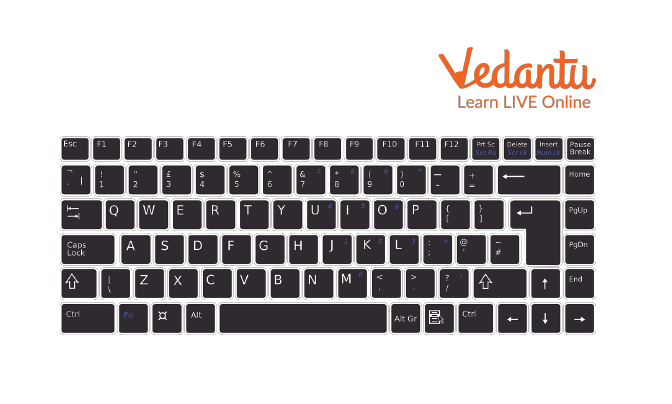
A keyboard is used to enter text, numbers, and commands into a computer.
2. Mouse
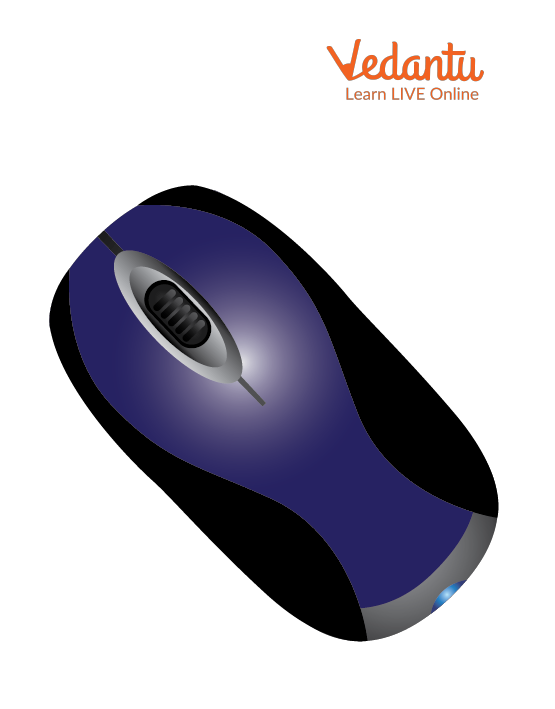
A mouse is a pointing device used to move the cursor and select items on the screen.
3. Scanner
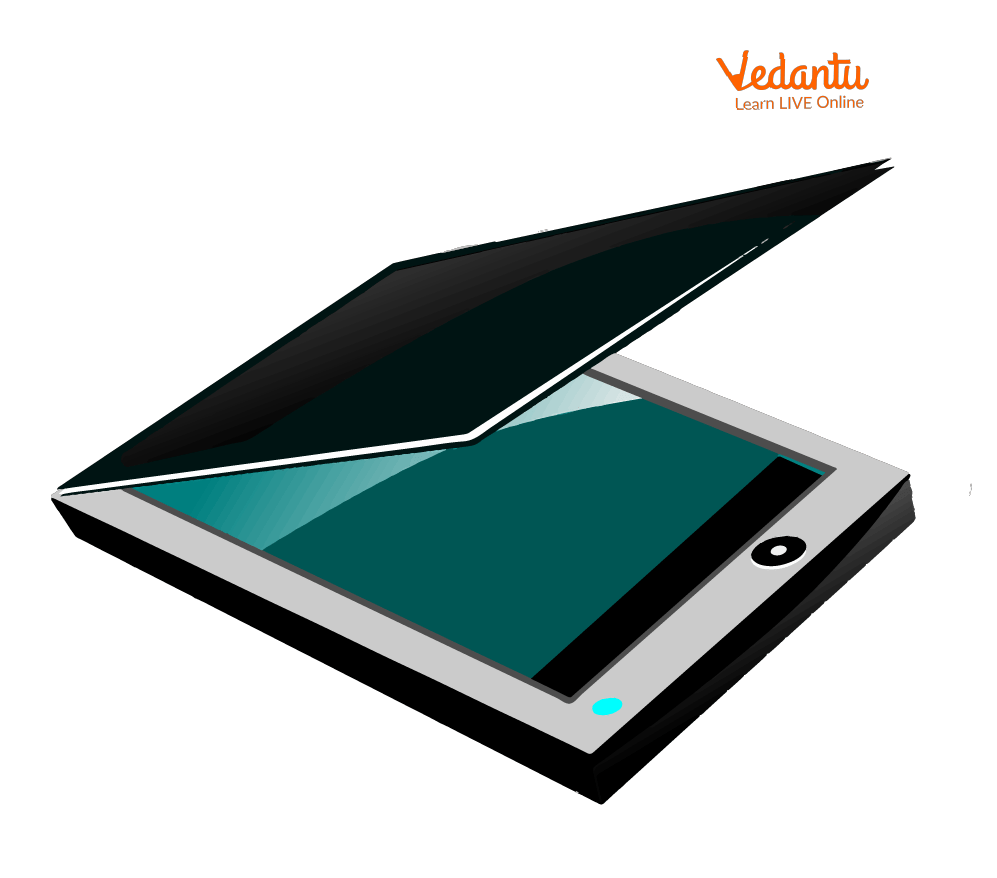
A scanner converts physical documents and images into digital format.
4. Light Pen

A light pen allows users to draw or select objects directly on the screen.
5. Barcode Reader
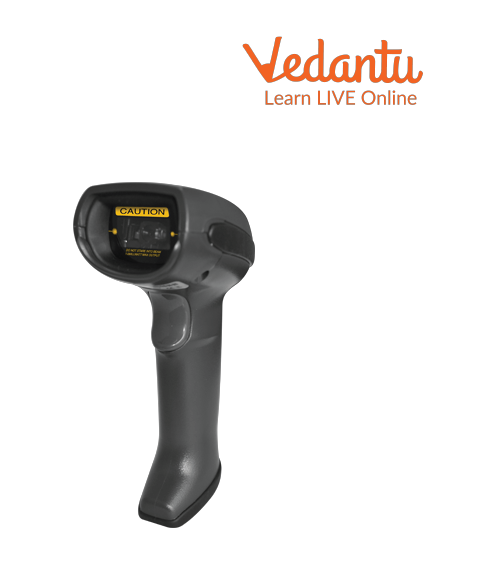
A barcode reader scans product codes and sends data to the computer.
6. Microphone
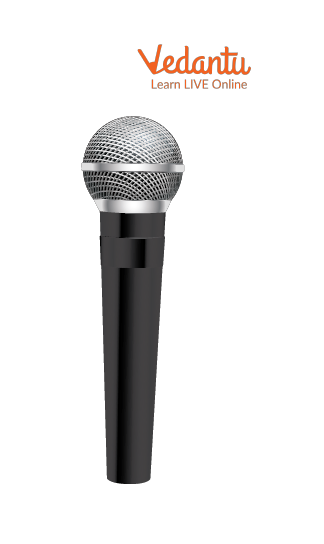
A microphone captures audio input and converts it into digital signals.
7. Touch Screen
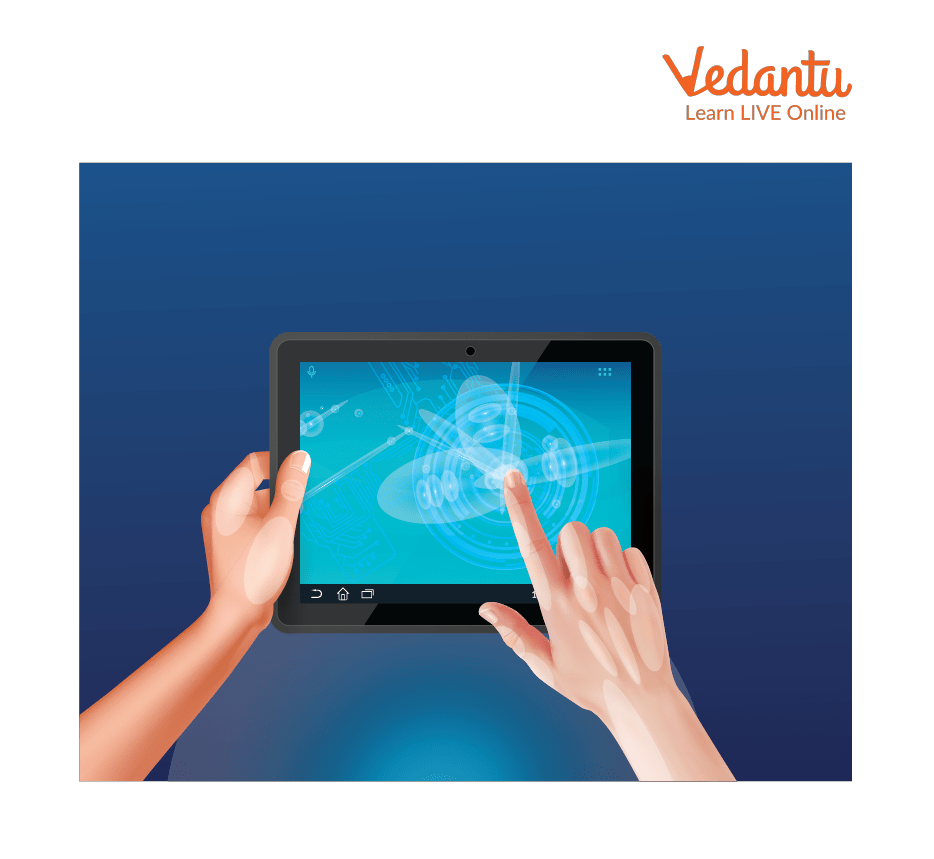
A touch screen allows users to interact directly with the display using touch.
8. Joystick
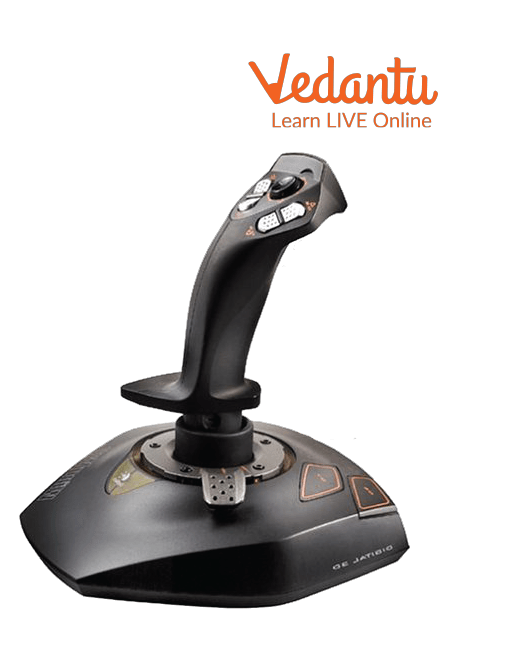
A joystick is mainly used for gaming and controlling movement in simulations.
9. Webcam

A webcam captures live video input for communication and recording.
Features and Characteristics
- Convert user actions into digital signals.
- Allow interaction between humans and computers.
- Available in wired and wireless formats.
- Support text, audio, video, and image input.
- Compatible with different operating systems.
Advantages
- Enable efficient data entry and communication.
- Improve productivity and accuracy.
- Support multimedia and interactive applications.
- Provide accessibility options such as voice input.
Disadvantages / Limitations
- Hardware devices may wear out over time.
- Some devices are expensive.
- May require drivers and configuration.
- Input errors can occur due to user mistakes.
Applications and Use Cases
- Education - Typing assignments and online learning.
- Banking and Retail - Barcode scanning and data entry.
- Healthcare - Scanning medical reports and voice recording.
- Gaming - Using joystick and mouse for control.
- Video conferencing - Webcam and microphone usage.
Quick Facts About Input Devices in Computers
| Category | Details |
|---|---|
| Type | Hardware Device |
| Used For | Entering Data and Commands |
| Data Forms | Text, Audio, Video, Images |
| Connection Type | Wired or Wireless |
| Common Examples | Keyboard, Mouse, Scanner |
These devices are essential for interacting with computer systems and enabling data processing tasks.
Interesting Facts About Input Devices in Computers
- The keyboard layout QWERTY was designed in the 19th century.
- The first computer mouse was made of wood.
- Touch screens are widely used in smartphones and ATMs.
- Voice recognition systems use microphones as primary input devices.
- Barcode readers are essential in supermarkets worldwide.
- Webcams enable real time communication over the internet.
Conclusion
Input devices in computer science are essential components that allow users to communicate with computer systems effectively. They convert human actions into digital signals that the CPU can process. From keyboards and mice to scanners and webcams, these devices support a wide range of applications across industries. Understanding input devices, their types, features, and applications helps build a strong foundation in computer fundamentals and enhances knowledge of how modern computing systems operate.
FAQs on Input Devices In Computers Explained with Types and Examples
1. What are input devices in computers?
Input devices in computers are hardware components used to enter data, commands, and instructions into a computer system.
- They allow users to interact with the operating system and software applications.
- They convert user actions into digital signals for processing by the CPU.
- Examples include keyboard, mouse, scanner, microphone, and webcam.
2. How do input devices work in a computer system?
Input devices work by converting physical actions or analog signals into binary data that the computer can process.
- User action is captured by the input hardware.
- The device controller converts it into machine-readable format.
- The data is sent to the CPU and memory for processing.
3. What are the different types of input devices?
Input devices are classified based on the type of data they capture and their method of interaction.
- Text input devices such as keyboard.
- Pointing devices such as mouse and touchpad.
- Audio input devices such as microphone.
- Image and video input devices such as scanner and webcam.
- Biometric devices such as fingerprint scanners.
4. What is the difference between input and output devices?
The main difference between input and output devices is the direction of data flow in a computer system.
- Input devices send data to the computer for processing.
- Output devices display or produce processed data to the user.
- Example: Keyboard is input, while monitor and printer are output devices.
5. What are the main components of a keyboard as an input device?
A keyboard is a primary text input device consisting of multiple functional key groups.
- Alphanumeric keys for letters and numbers.
- Function keys such as F1 to F12.
- Control keys like Ctrl, Alt, and Shift.
- Numeric keypad for numerical data entry.
6. What are the advantages of input devices?
Input devices make human-computer interaction efficient, accurate, and user-friendly.
- Enable fast data entry and command execution.
- Support multimedia input such as audio and video.
- Improve productivity in programming, database management, and web development.
7. What are the disadvantages or limitations of input devices?
Input devices may have limitations related to accuracy, cost, and maintenance.
- Hardware failure can interrupt system operations.
- Advanced devices like biometric scanners can be expensive.
- Incorrect input can cause errors in software or databases.
8. What are some modern input devices used in advanced computing?
Modern input devices support emerging technologies such as artificial intelligence and virtual reality.
- Touchscreen panels in smartphones and tablets.
- Voice recognition systems using AI and machine learning.
- Gesture control devices in gaming and VR systems.
- Biometric sensors for cybersecurity authentication.
9. How are input devices important for programming and exam preparation?
Input devices are essential for writing code, executing programs, and performing practical tasks in computer science exams.
- Keyboard is used to write source code in languages like C, Java, and Python.
- Mouse helps in using IDEs and software tools.
- Understanding input devices is important for school and competitive exam theory questions.
10. Can a device act as both input and output device?
Yes, some hardware devices function as both input and output devices in a computer system.
- Touchscreen displays output and also accepts touch input.
- Headset includes speakers for output and microphone for input.
- These are called I/O devices in computer architecture.
