






Types of Computers Based on Size and Capacity with Examples and Comparison
Computers are classified in different ways to understand their performance, storage capacity, and processing power. The Classification Of Computer Based On Size And Capacity helps us group computers according to how much data they can handle and how powerful they are. From small personal computers used at home to powerful supercomputers used for scientific research, each type serves a specific purpose. Understanding this classification is important in computer science because it helps students and professionals choose the right system for different tasks and applications.
Definition and Meaning
Classification Of Computer Based On Size And Capacity refers to the grouping of computers according to their physical size, processing power, memory capacity, and storage capabilities.
- Size refers to the physical dimensions of a computer system.
- Capacity refers to the processing speed, memory, and data handling ability.
- Computers are commonly divided into Supercomputers, Mainframe Computers, Mini Computers, and Micro Computers.
- They can also be classified as Analog, Digital, and Hybrid Computers based on data handling.
How It Works
The working principle of computers in this classification depends on their processing power and storage capacity. Larger computers can handle more users and complex calculations compared to smaller systems.
- The computer receives input data from users or devices.
- The CPU processes the data according to instructions.
- Memory and storage capacity determine how much data can be handled.
- The processed output is delivered to users or other systems.
The difference lies in the scale. For example, a microcomputer handles single user tasks, while a supercomputer performs billions of calculations per second.
Types and Classification
1. Supercomputer
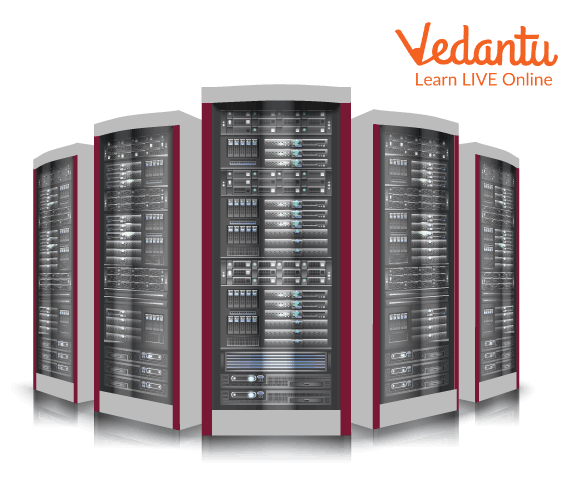
- Largest and most powerful computers.
- Used for complex scientific calculations.
- Example: Weather forecasting systems.
2. Mainframe Computers
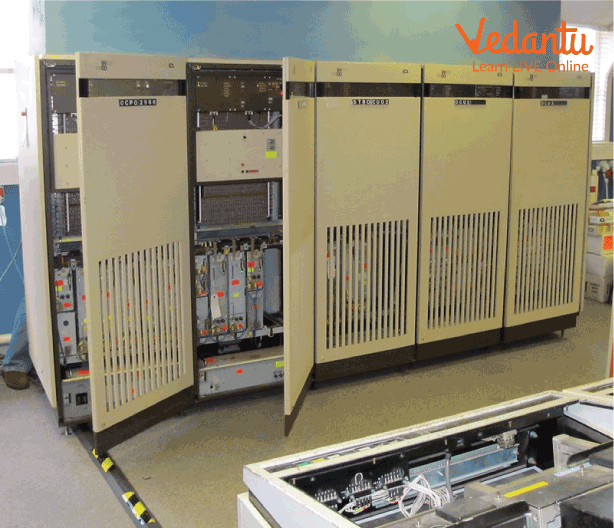
- Large computers supporting hundreds of users.
- High storage and processing capacity.
- Used in banks and large organizations.
3. Mini Computer
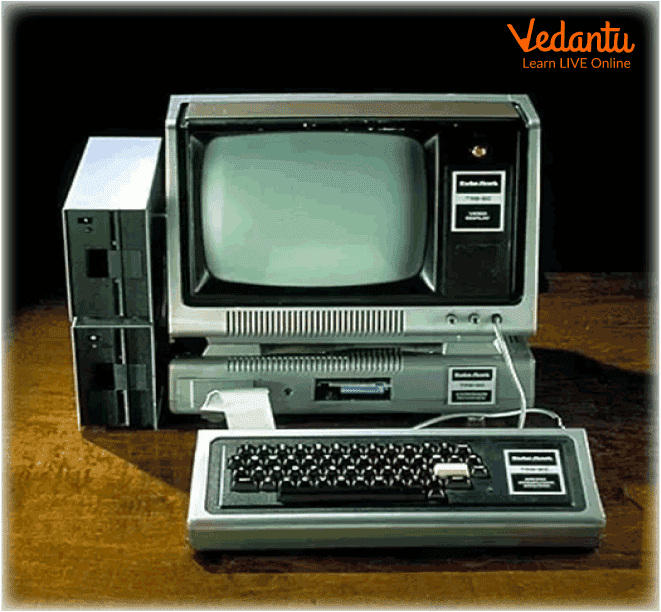
- Medium sized computers.
- Supports multiple users.
- Used in small businesses and departments.
4. Micro Computer
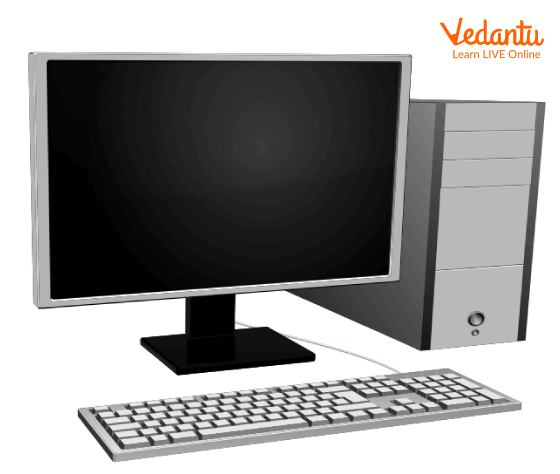
- Smallest and most common type.
- Designed for single user.
- Example: Desktop, Laptop, Tablet.
5. Analog Computer
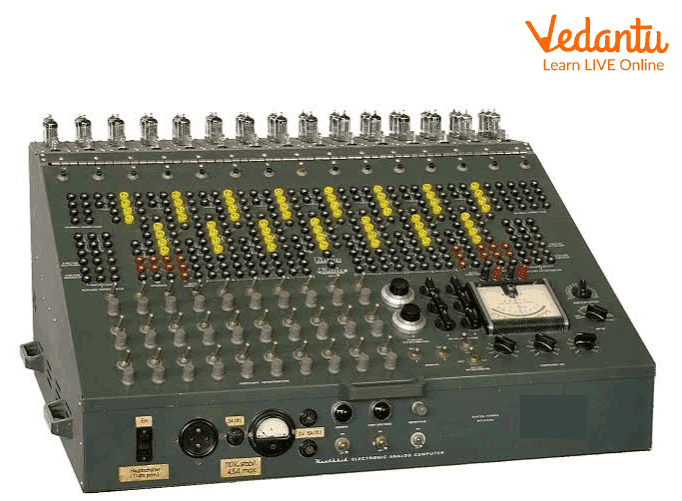
- Works with continuous data.
- Used in scientific measurements.
6. Digital Computer

- Works with discrete binary data.
- Most commonly used computers today.
7. Hybrid Computer
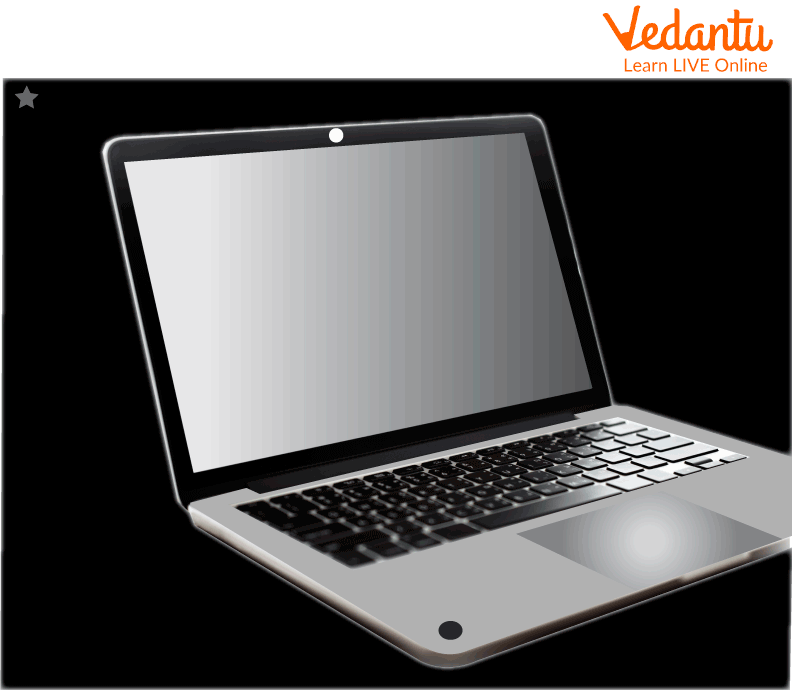
- Combination of analog and digital computers.
- Used in hospitals and scientific research.
Features and Characteristics
- Different processing speeds based on size.
- Varied storage capacities.
- Supports single or multiple users.
- Used for general or specialized tasks.
Advantages
- Helps select the right computer for specific needs.
- Improves efficiency in organizations.
- Supports both small and large scale operations.
Disadvantages
- Supercomputers and mainframes are very expensive.
- Large systems require high maintenance.
- Specialized training may be required.
Applications and Use Cases
- Supercomputers - Weather forecasting, space research, nuclear simulations.
- Mainframes - Banking transactions, airline reservations.
- Mini Computers - Manufacturing processes.
- Micro Computers - Education, office work, personal use.
- Hybrid Computers - Medical diagnostics.
Quick Facts About Classification Of Computer Based On Size And Capacity
| Type | Size | Main Use |
|---|---|---|
| Supercomputer | Very Large | Scientific Research |
| Mainframe | Large | Business Processing |
| Mini Computer | Medium | Departmental Use |
| Micro Computer | Small | Personal Use |
This table highlights the major types of computers classified according to their size and processing capacity.
Interesting Facts About Classification Of Computer Based On Size And Capacity
- Supercomputers can perform trillions of calculations per second.
- Mainframes are known for high reliability and security.
- Microcomputers are also called personal computers.
- Hybrid computers combine the advantages of analog and digital systems.
- Early computers were as large as entire rooms.
- Modern smartphones are powerful microcomputers.
Conclusion
The Classification Of Computer Based On Size And Capacity helps us understand how computers differ in power, storage, and usage. From powerful supercomputers to everyday microcomputers, each type plays a vital role in different industries and daily life. Learning this classification is essential in computer science as it builds a strong foundation for understanding hardware systems and their practical applications in technology and business.


FAQs on Classification of Computers by Size and Capacity Explained
1. What is the classification of computers based on size and capacity?
The classification of computers based on size and capacity refers to grouping computers according to their processing power, memory, storage, and performance capabilities.
- Supercomputers
- Mainframe computers
- Minicomputers
- Microcomputers
2. What is a supercomputer and what are its main features?
A supercomputer is the most powerful type of computer designed for complex scientific calculations and high-performance computing tasks.
- Extremely high processing speed measured in FLOPS
- Used in weather forecasting, space research, and artificial intelligence
- Supports parallel processing and advanced algorithms
3. What is a mainframe computer and where is it used?
A mainframe computer is a large and powerful system used to process massive amounts of data for large organizations.
- Handles thousands of users simultaneously
- Used in banking systems, airline reservations, and government databases
- Provides high reliability, security, and scalability
4. What is a minicomputer in computer classification?
A minicomputer is a medium-sized computer that offers moderate processing power and supports multiple users.
- Used in small to medium-sized businesses
- Supports networking and database management systems
- Less powerful than mainframes but more powerful than microcomputers
5. What is a microcomputer and what are its types?
A microcomputer is a small, affordable computer designed for personal use and based on a single microprocessor.
- Desktop computers
- Laptops and notebooks
- Tablets and smartphones
6. What are the key differences between supercomputers and mainframe computers?
The main difference between supercomputers and mainframes lies in their purpose and processing capabilities.
- Supercomputers focus on complex scientific computations and simulations
- Mainframes focus on bulk data processing and transaction management
- Supercomputers use parallel processing, while mainframes support large-scale user operations
7. Why is computer classification based on size and capacity important for exam preparation?
Understanding the classification of computers based on size and capacity is important for school exams, competitive exams, and technical interviews.
- Frequently asked in basic Computer Science theory questions
- Helps in comparing hardware features and system performance
- Builds foundation for advanced topics like cloud computing and distributed systems
8. What factors determine the size and capacity of a computer?
The size and capacity of a computer are determined by its hardware configuration and performance specifications.
- CPU processing power
- Memory (RAM) and storage capacity
- Number of supported users and workload handling capability
9. How are microcomputers different from minicomputers?
The difference between microcomputers and minicomputers lies in their processing power, number of users, and application areas.
- Microcomputers are designed for single-user personal computing
- Minicomputers support multiple users in business environments
- Minicomputers have higher processing and networking capabilities
10. What are the advantages and disadvantages of classifying computers by size and capacity?
Classifying computers based on size and capacity helps in understanding system performance, but it may not reflect modern cloud-based architectures.
- Advantages: Easy comparison of hardware, performance, and applications
- Disadvantages: Boundaries may overlap due to virtualization and cloud computing
