



What Are the Main Components of a Computer and How They Work
A computer is an electronic device that processes data and performs tasks based on instructions given by users. To function properly, it relies on several important hardware components that work together as a system. Understanding the Main Parts Of Computer is essential in computer science because these parts form the foundation of how computing devices operate. From processing data to storing information and displaying output, each part plays a specific role. Learning about these components helps students understand computer architecture, hardware functionality, and the basic working principle of modern digital systems.
Definition and Meaning
Main Parts Of Computer definition refers to the essential hardware components that enable a computer to input, process, store, and output data. These parts work together to execute programs and perform various computing tasks.
- Input Devices - Used to enter data and instructions into the computer.
- Central Processing Unit - CPU - The brain of the computer that processes instructions.
- Memory Units - Store data temporarily or permanently.
- Output Devices - Display or produce the result of processing.
- Motherboard - Connects and allows communication between all components.
How It Works - Working Principle
The Main Parts Of Computer working follows a simple cycle known as the Input - Process - Output cycle. Each component performs a specific task to complete this cycle.
- Input Stage - The user enters data using devices like a keyboard or mouse.
- Processing Stage - The CPU processes the input data according to program instructions.
- Storage Stage - Data is stored in RAM for temporary use or in hard drives for permanent storage.
- Output Stage - The processed result is displayed on the monitor or printed.
All components are connected through the motherboard, which ensures smooth communication between hardware parts.
Types and Classification
The Main Parts Of Computer can be classified into the following categories:
- Input Devices - Keyboard, Mouse, Scanner.
- Processing Unit - Central Processing Unit.
- Storage Devices - RAM, Hard Drives.
- Output Devices - Monitor, Printer, Speakers.
- Connecting Component - Motherboard.
Components and Structure
1. Central Processing Unit - CPU
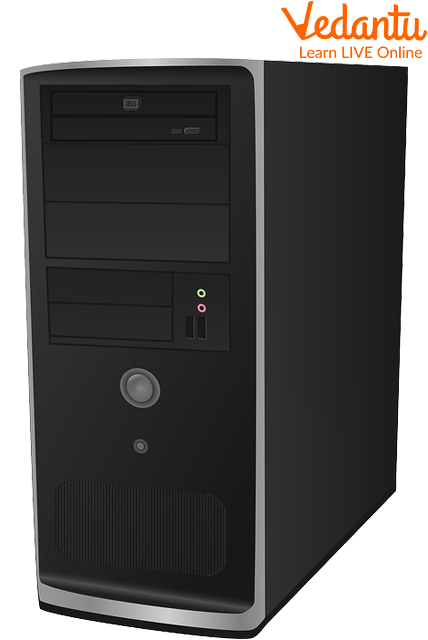
The CPU is known as the brain of the computer. It performs calculations and executes instructions.
- ALU - Arithmetic Logic Unit performs arithmetic and logical operations.
- Control Unit directs the operation of the processor.
- Registers store temporary data for quick access.
2. Motherboard
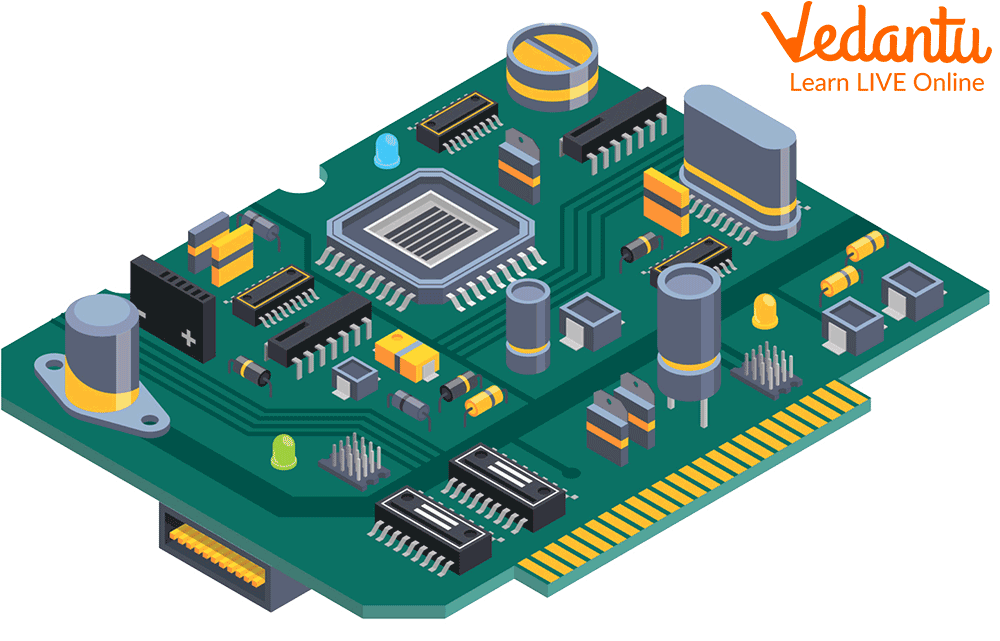
The Motherboard is the main circuit board that connects all hardware components and allows them to communicate.
3. Internal Hard Drives
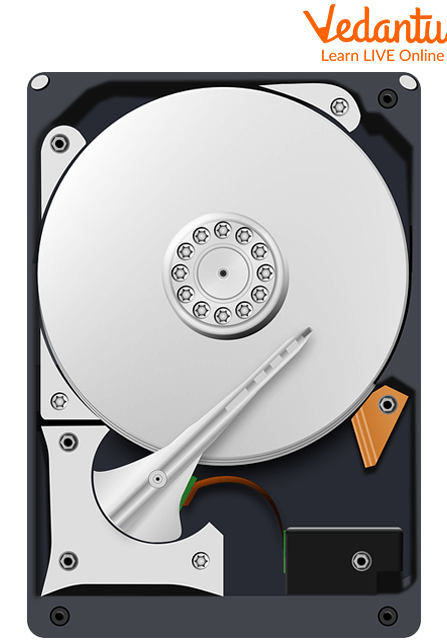
Internal hard drives store data permanently, including operating systems, software, and user files.
4. RAM - Random Access Memory
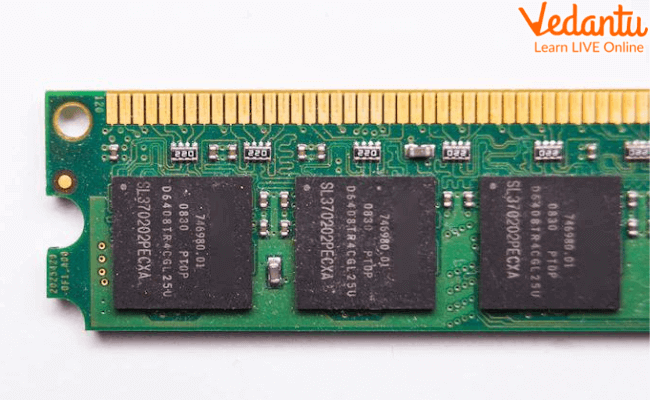
RAM is temporary memory that stores data currently being used by the CPU for faster processing.
5. Monitor
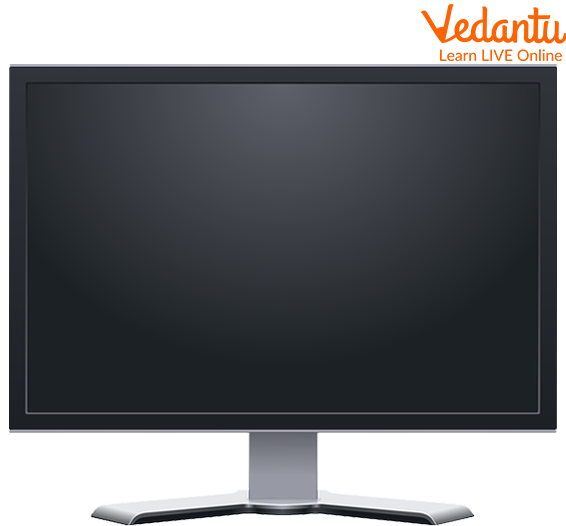
The monitor is an output device that displays processed information in visual form.
6. Mouse
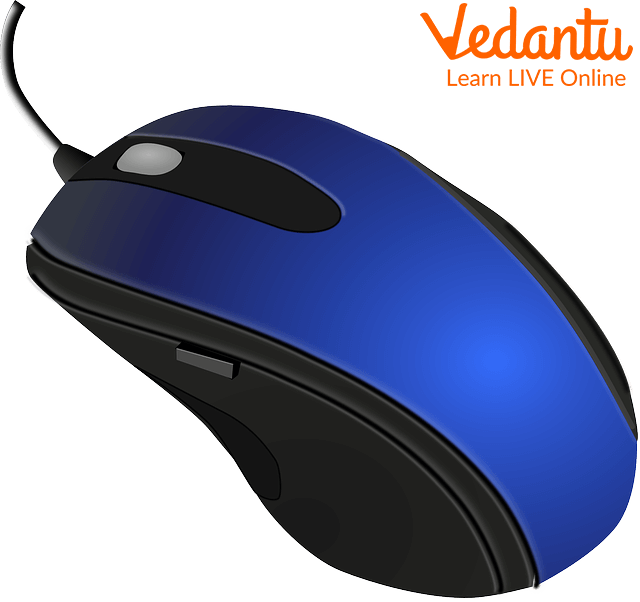
The mouse is a pointing input device used to select and interact with items on the screen.
7. Keyboard
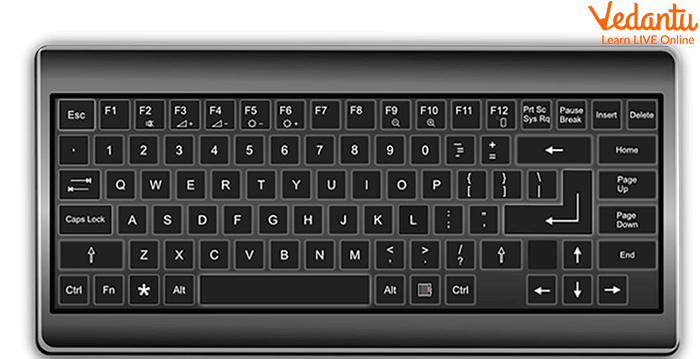
The keyboard is an input device used to type text, numbers, and commands into the computer.
Features and Characteristics
- Each part has a specific and defined function.
- Components are interconnected through the motherboard.
- Supports multitasking and high speed processing.
- Allows both temporary and permanent data storage.
- Enables user interaction through input and output devices.
Advantages
- Efficient and fast data processing.
- Large storage capacity.
- Reliable performance for complex tasks.
- Supports various software applications.
Disadvantages / Limitations
- Hardware components can fail or get damaged.
- Requires electricity to function.
- Upgrading components can be costly.
Applications and Use Cases
- Education and online learning platforms.
- Business data processing and accounting.
- Software development and programming.
- Gaming and multimedia entertainment.
- Scientific research and data analysis.
Quick Facts About Main Parts Of Computer
| Category | Examples | Function |
|---|---|---|
| Processing Unit | CPU | Executes instructions |
| Primary Memory | RAM | Temporary storage |
| Secondary Storage | Hard Drive | Permanent storage |
| Input Devices | Keyboard, Mouse | Data entry |
| Output Devices | Monitor | Display results |
This table summarizes the primary categories and functions of the main parts that make a computer system operational.
Interesting Facts About Main Parts Of Computer
- The CPU can perform billions of instructions per second.
- Modern motherboards support multiple processors and high speed memory.
- RAM loses all stored data when the computer is turned off.
- Hard drives have evolved from mechanical disks to faster SSD storage.
- The keyboard layout QWERTY was designed in the 19th century.
- High resolution monitors improve visual clarity and productivity.
Conclusion
Understanding the Main Parts Of Computer is fundamental in computer science. Each component, from the CPU and RAM to the keyboard and monitor, plays a vital role in the input, processing, storage, and output cycle. These hardware parts work together to make modern computing possible. By learning about their structure, functions, and applications, students gain a strong foundation in computer fundamentals and system architecture.
FAQs on Main Parts Of Computer and Their Functions in Detail
1. What are the main parts of a computer?
The main parts of a computer are the hardware components that work together to process data and execute programs.
- Input Unit – Keyboard, mouse, scanner
- Central Processing Unit (CPU) – Processes instructions
- Memory Unit – RAM, ROM for data storage
- Storage Devices – HDD, SSD for permanent storage
- Output Unit – Monitor, printer, speakers
2. What is the function of the CPU in a computer?
The Central Processing Unit (CPU) is the brain of the computer that performs calculations and executes program instructions.
- Executes instructions from software and operating systems
- Performs arithmetic and logical operations
- Controls input, output, and memory operations
- Main components: ALU, Control Unit, and Registers
3. What are the different types of computer memory?
Computer memory stores data and instructions temporarily or permanently for processing.
- Primary Memory – RAM and ROM
- Secondary Storage – HDD, SSD, USB drives
- Cache Memory – High-speed memory between CPU and RAM
- Virtual Memory – Uses disk space to extend RAM
4. What is the role of input and output devices in a computer system?
Input and output devices allow users to interact with a computer system by providing and receiving data.
- Input Devices – Keyboard, mouse, scanner, microphone
- Output Devices – Monitor, printer, speakers
- Essential for communication between user and hardware
5. How does the motherboard connect the main parts of a computer?
The motherboard is the main circuit board that connects and enables communication between all computer components.
- Holds CPU, RAM, and expansion slots
- Provides data pathways through buses
- Connects storage devices and peripherals
- Includes BIOS or UEFI firmware
6. What is the difference between RAM and ROM?
The key difference between RAM and ROM is that RAM is volatile memory while ROM is non-volatile memory.
- RAM – Temporary storage, faster, loses data when power is off
- ROM – Permanent storage, stores firmware and boot instructions
- Both are part of primary memory in computer architecture
7. What are storage devices in a computer?
Storage devices are hardware components used to store data, software, and operating systems permanently.
- HDD (Hard Disk Drive) – Magnetic storage
- SSD (Solid State Drive) – Flash-based, faster performance
- External Drives – USB, external HDD/SSD
- Used for data backup and cloud synchronization support
8. What are the main components inside the CPU?
The CPU consists of internal components that manage processing and control operations.
- Arithmetic Logic Unit (ALU) – Performs calculations
- Control Unit (CU) – Directs operations of the processor
- Registers – Small high-speed storage inside CPU
- Works with cache memory for faster execution
9. Why are the main parts of a computer important for exam and interview preparation?
Understanding the main parts of a computer is essential for school exams, competitive exams, and technical interviews.
- Forms the foundation of computer architecture
- Frequently asked in objective and viva questions
- Helps in learning programming, operating systems, and networking
- Important for certifications and IT job roles
10. How do the main parts of a computer work together?
The main parts of a computer work together using the Input-Process-Output (IPO) cycle to execute programs efficiently.
- Input devices send data to the system
- CPU processes data using memory and algorithms
- Storage saves data permanently
- Output devices display the processed results
