






Main Uses and Applications of a Computer in Real Life
Computers have become an essential part of modern life, transforming the way people work, learn, communicate, and entertain themselves. The Use Of A Computer extends across various fields such as education, business, healthcare, banking, science, and entertainment. In computer science, understanding how computers are applied in real-world situations helps students connect theory with practice. From performing complex calculations to managing large databases and enabling online communication, computers improve speed, accuracy, and efficiency in almost every sector.
Definition and Meaning
The Use Of A Computer in computer science refers to the various ways in which computers are applied to perform tasks, solve problems, and manage information efficiently.
- Computer - An electronic device that accepts input, processes data, stores information, and produces output.
- Application - Practical implementation of computer systems in real-life tasks.
- Automation - Using computers to perform tasks with minimal human intervention.
- Data Processing - Collecting, organizing, and analyzing data using computers.
How It Works / Working Principle
The working of computer applications in different fields follows the basic Input - Process - Output cycle. Computers use hardware and software together to perform specific tasks efficiently.
- Input - Data is entered using input devices such as keyboard, mouse, scanner, or sensors.
- Processing - The CPU processes the data using programs and instructions.
- Storage - Information is stored in memory devices like hard drives or cloud storage.
- Output - Results are displayed through monitors, printers, or other output devices.
Types and Classification
The Use Of A Computer can be classified based on the field or industry where it is applied.
- Educational Use - Teaching, learning, online classes, and research.
- Business Use - Accounting, payroll, inventory management, and communication.
- Medical Use - Patient records, diagnostics, medical imaging.
- Banking Use - Transaction processing, ATM services, online banking.
- Scientific Use - Research, simulations, data analysis.
- Industrial Use - Automation, manufacturing control systems.
- Entertainment Use - Gaming, movies, music, digital art.
Features and Characteristics
- High Speed - Performs millions of calculations per second.
- Accuracy - Produces precise results when given correct input.
- Storage Capacity - Stores large volumes of data.
- Automation - Executes repetitive tasks automatically.
- Multitasking - Runs multiple applications simultaneously.
Advantages
- Saves time and increases productivity.
- Reduces human error.
- Improves communication through internet services.
- Enables efficient data storage and retrieval.
- Supports innovation and research.
Disadvantages / Limitations
- Security risks such as hacking and data theft.
- Health issues due to prolonged screen time.
- Dependence on electricity and internet.
- Job displacement due to automation.
Applications and Use Cases
Computers in Business

- Accounting and payroll management
- Inventory and stock control
- Email and online meetings
Computers in Courts

- Maintaining digital case records
- Online hearings and documentation
Computers in Hospitals

- Patient record management
- Medical imaging and diagnostics
Computers in Schools
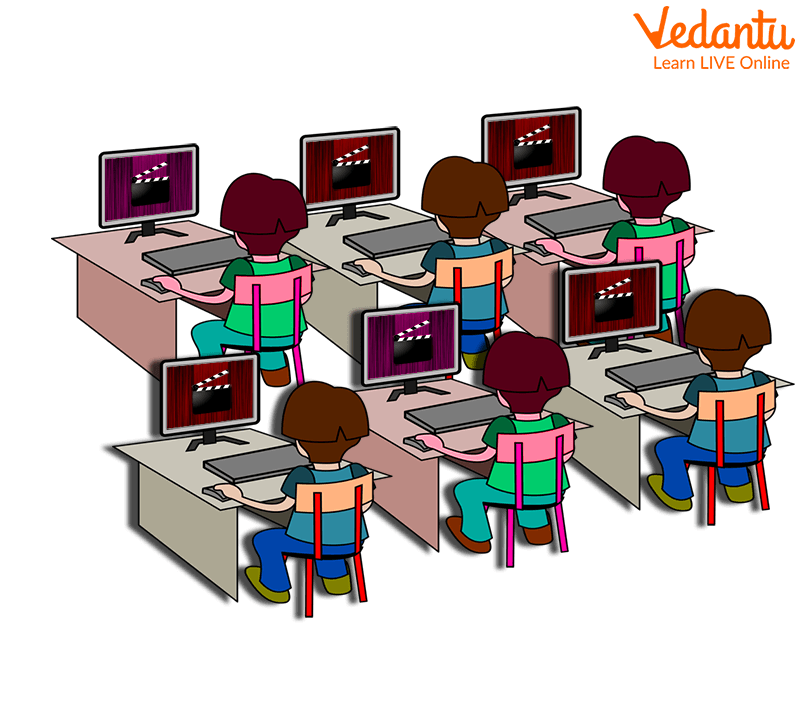
- Online learning and digital classrooms
- Exam preparation and research
Computers in Science
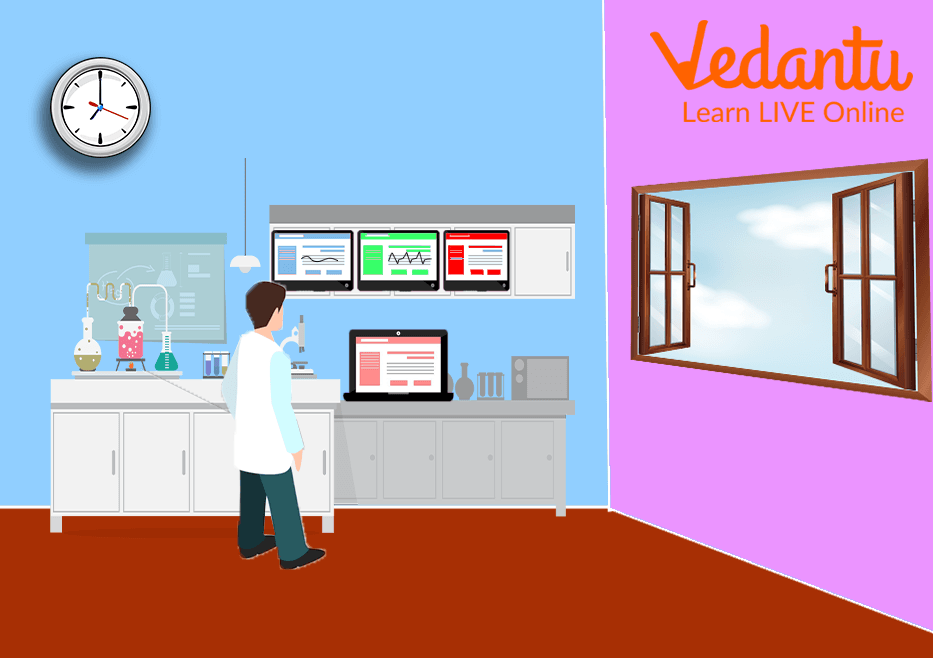
- Data analysis and simulations
- Weather forecasting and space research
Computers in Factories
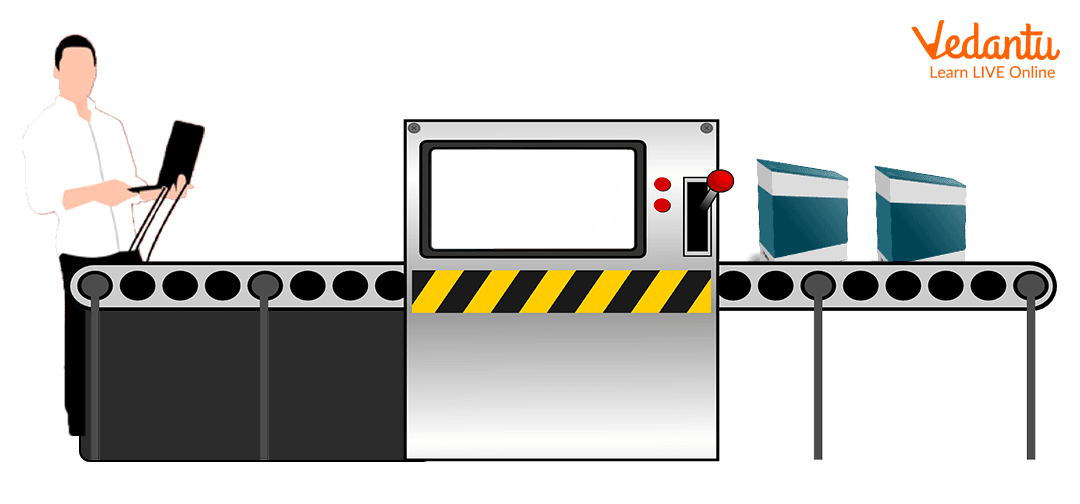
- Automation and robotics
- Production monitoring systems
Computers in Banks
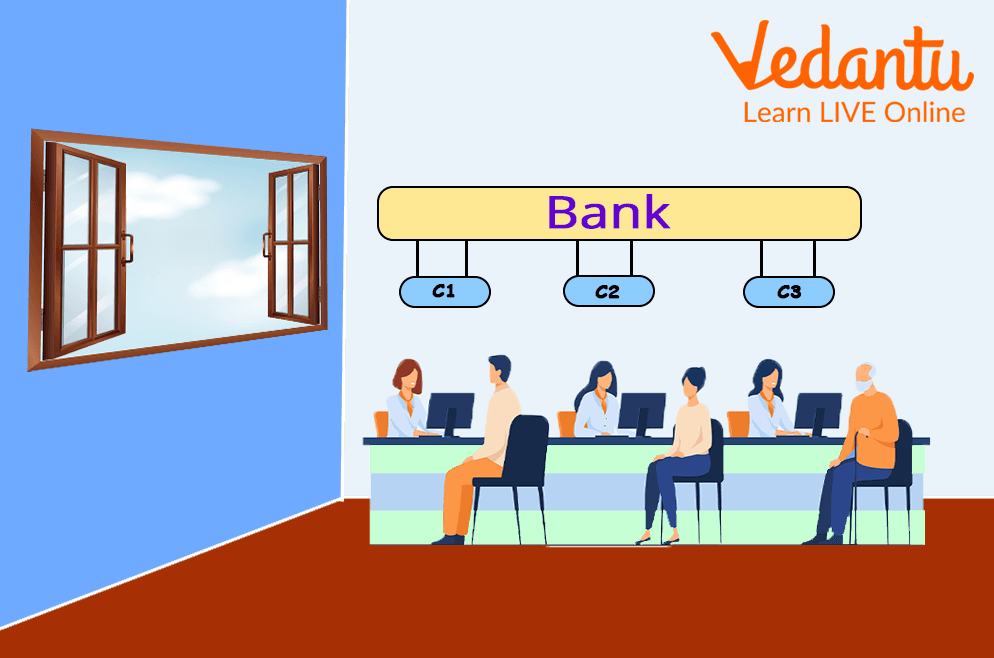
- Online transactions and ATM services
- Customer account management
Computers in Training

- Simulation based learning
- Skill development programs
Computers in Art

- Graphic design and digital painting
- Animation and video editing
Computers in Entertainment

- Gaming and virtual reality
- Music streaming and movie production
Quick Facts About Use Of A Computer
| Category | Details |
|---|---|
| Primary Function | Data processing and automation |
| Common Uses | Education, business, healthcare, banking |
| Key Features | Speed, accuracy, storage, multitasking |
| Technology Type | Electronic digital system |
These facts highlight the importance of computers across multiple industries and daily activities.
Interesting Facts About Use Of A Computer
- Computers can perform billions of operations per second.
- Banks process millions of transactions daily using computer systems.
- Modern hospitals rely heavily on computerized diagnostic tools.
- Online education platforms use computers to connect students worldwide.
- Factories use computer controlled robots for precision manufacturing.
- Entertainment industries use high performance computers for animation and special effects.
Conclusion
The Use Of A Computer plays a vital role in modern society and in the field of computer science. From education and healthcare to banking and entertainment, computers improve efficiency, accuracy, and productivity. Understanding the different applications and advantages of computers helps students appreciate their impact on technology and daily life. As technology continues to advance, the importance of computers will only grow, making them an essential tool for the future.
FAQs on Use Of A Computer Explained for Students and Professionals
1. What is the use of a computer in Computer Science?
The use of a computer refers to performing tasks such as data processing, computation, storage, communication, and automation using hardware and software systems.
- Processing numerical and logical operations using CPU
- Storing data in memory and storage devices
- Running programming languages and software applications
- Supporting fields like web development, artificial intelligence, and cloud computing
2. How does a computer work?
A computer works on the Input-Process-Output (IPO) cycle to execute instructions given by programs.
- Input: Data entered using keyboard, mouse, scanner
- Process: CPU executes instructions using algorithms
- Output: Results displayed on monitor or printer
- Storage: Saves data in RAM, HDD, or SSD
3. What are the main uses of a computer in education and exams?
Computers are widely used in education for learning, research, programming practice, and online examinations.
- Accessing e-learning platforms and digital classrooms
- Practicing coding and algorithms
- Preparing for competitive exams and mock tests
- Creating assignments using word processors and presentation tools
4. What are the major applications of computers in real life?
Computers are used in almost every industry for automation, data management, and communication.
- Banking and finance for transaction processing
- Healthcare for medical records and diagnostics
- Business for database management systems
- Cybersecurity for protecting digital assets
- Artificial Intelligence and Machine Learning for smart systems
5. What are the different types of computer uses based on categories?
The uses of a computer can be categorized based on functionality and application domains.
- Personal use: Browsing, entertainment, communication
- Educational use: Research and programming
- Business use: Accounting and database systems
- Scientific use: Simulations and data analysis
- Industrial use: Automation and control systems
6. What are the advantages of using a computer?
The main advantages of using a computer include speed, accuracy, storage capacity, and automation of tasks.
- High-speed processing of large data sets
- Accurate calculations with minimal errors
- Large data storage capability
- Supports multitasking and automation
7. What are the disadvantages or limitations of computers?
Despite their benefits, computers have certain limitations related to security, dependency, and lack of intelligence.
- Vulnerable to cybersecurity threats and malware
- Dependence on electricity and network connectivity
- No decision-making ability without programmed algorithms
- Possible job displacement due to automation
8. How are computers used in programming and software development?
Computers are essential for writing, compiling, testing, and deploying software applications.
- Writing code in languages like Python, Java, and C++
- Using Integrated Development Environments (IDEs)
- Running and debugging programs
- Deploying applications to cloud platforms
9. What is the role of computers in data processing and databases?
Computers process, store, and manage structured and unstructured data using database systems.
- Managing data with DBMS like MySQL and PostgreSQL
- Executing SQL queries for retrieval and updates
- Performing data analysis and reporting
- Supporting big data and analytics applications
10. Why is understanding the use of a computer important for interviews and competitive exams?
Understanding the use of a computer is fundamental for technical interviews, academic exams, and basic Computer Science knowledge.
- Frequently asked in school and college exams
- Important for government and IT job exams
- Forms the base for advanced topics like operating systems and networks
- Helps in practical problem-solving and digital literacy
