



Main Processing Devices of a Computer and How They Work
Processing devices of computer are the core hardware components responsible for performing calculations, executing instructions, and controlling system operations. Without these devices, a computer cannot process data or run applications. From simple arithmetic calculations to complex graphics rendering and network communication, processing devices play a vital role in modern computing systems. Understanding processing devices of computer in computer science helps students grasp how data flows inside a system and how different hardware components work together to deliver efficient performance.
Definition and Meaning
Processing devices of computer are hardware components that handle data processing tasks by executing instructions provided by software programs. They transform raw input data into meaningful output.
- CPU (Central Processing Unit) - Main processor that executes instructions.
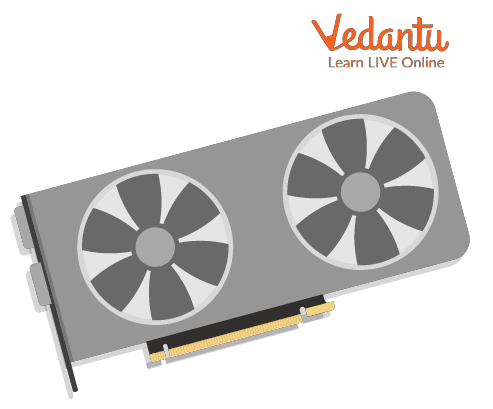
- GPU (Graphics Processing Unit) - Specialized processor for graphics and parallel tasks.
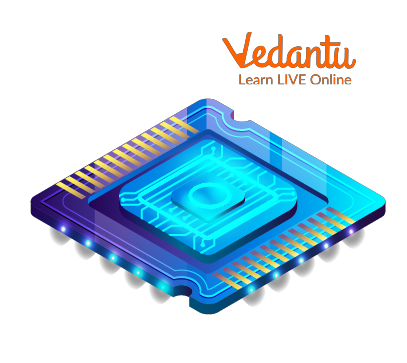
- Microprocessor - Integrated circuit that performs CPU functions.
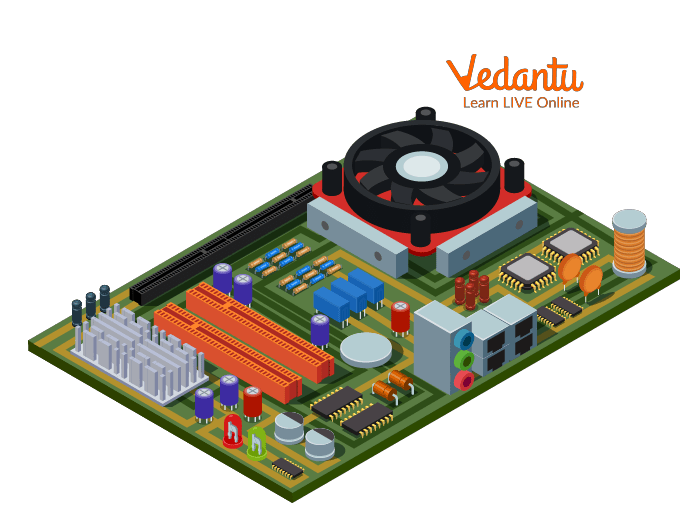
- Motherboard - Main circuit board connecting processing devices.
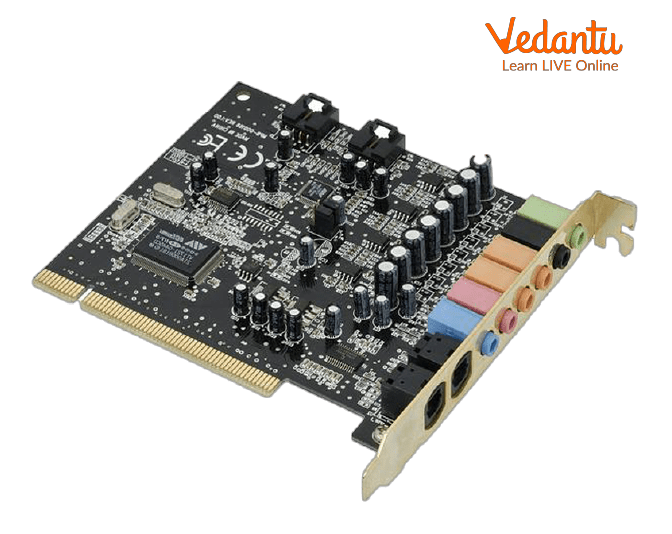
- Sound Card - Processes audio signals.
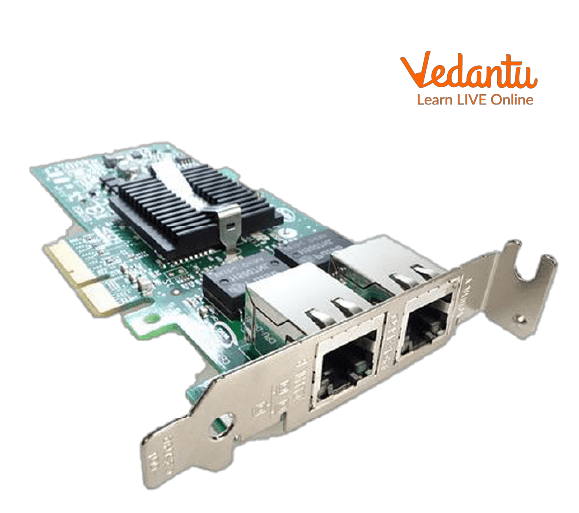
- Network Card - Handles network communication processing.
How It Works / Working Principle
The processing devices of computer work together to execute instructions stored in memory. The overall process follows a systematic cycle known as the Fetch - Decode - Execute cycle.
- Fetch - The CPU retrieves instructions from memory.
- Decode - The instruction is translated into signals the processor understands.
- Execute - The processor performs calculations or logical operations.
- Store - The result is saved back into memory or sent to output devices.
Other processing devices such as GPU, sound card, and network card handle specialized tasks to reduce the load on the CPU and improve overall system performance.
Types and Classification
Types of Processing Devices of Computer
| Device | Function | Example |
|---|---|---|
| CPU | Performs general processing tasks | Intel Core, AMD Ryzen |
| GPU | Handles graphics and parallel processing | NVIDIA, AMD Radeon |
| Microprocessor | Single chip CPU | Intel 8086 |
| Sound Card | Processes audio signals | Creative Sound Blaster |
| Network Card | Processes network data | Ethernet Adapter |
Each type of processing device has a specific role but works together to ensure smooth system operations.
Components and Structure
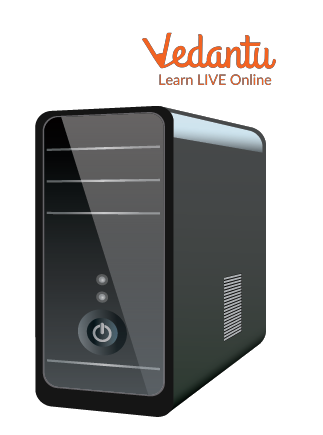
The internal structure of processing devices of computer mainly includes the following components:
- Arithmetic Logic Unit (ALU) - Performs arithmetic and logical operations.
- Control Unit (CU) - Directs operations of the processor.
- Registers - Small memory units for temporary storage.
- Cache Memory - High speed memory for quick access.
- Motherboard - Connects CPU, GPU, memory, and other devices.
Features and Characteristics
- High speed data processing capability.
- Ability to perform multitasking.
- Parallel processing in GPUs.
- Integration on a single chip in microprocessors.
- Specialized processing for audio and networking tasks.
Advantages
- Fast execution of instructions.
- Efficient multitasking and resource management.
- Improved graphics and gaming performance.
- Enhanced network communication efficiency.
- Compact design in modern microprocessors.
Disadvantages / Limitations
- High cost for advanced processors.
- Heat generation requiring cooling systems.
- Limited upgrade options in integrated systems.
- Power consumption in high performance devices.
Applications and Use Cases
- Running operating systems and software applications.
- Gaming and graphic design using GPUs.
- Online communication and networking tasks.
- Audio recording and multimedia editing.
- Scientific calculations and artificial intelligence processing.
Quick Facts About Processing Devices Of Computer
| Category | Details |
|---|---|
| Main Processor | CPU |
| Specialized Processor | GPU |
| Core Operation | Fetch - Decode - Execute |
| Primary Function | Data Processing |
| Used In | Computers, Laptops, Servers, Smartphones |
These quick facts summarize the importance and core characteristics of processing devices in computer systems.
Interesting Facts About Processing Devices Of Computer
- The first commercial microprocessor was introduced in 1971.
- Modern CPUs contain billions of transistors.
- GPUs are widely used in artificial intelligence and machine learning.
- Processing speed is measured in Hertz.
- Multi core processors can execute multiple tasks simultaneously.
- Network cards can process data at gigabit speeds.
Conclusion
Processing devices of computer form the backbone of any computing system by executing instructions and managing data operations. From CPUs and GPUs to microprocessors and specialized cards, each device plays a crucial role in enhancing system performance. Understanding processing devices of computer definition, working, types, and applications helps learners build a strong foundation in computer science and hardware concepts, which is essential for advanced studies and modern technological development.
FAQs on Processing Devices of Computer and Their Functions
1. What are Processing Devices of a Computer?
Processing devices of a computer are hardware components that process input data, execute instructions, and produce meaningful output. These devices perform calculations, logical operations, and data manipulation as defined by software and the operating system.
- Main example: Central Processing Unit (CPU)
- Includes components like ALU and Control Unit
- Essential for running programs, algorithms, and applications
2. What is the Central Processing Unit (CPU) and how does it work?
CPU is the primary processing device of a computer that executes instructions using the fetch-decode-execute cycle. It reads instructions from memory, decodes them, and performs operations accordingly.
- Fetch: Retrieves instruction from memory
- Decode: Interprets the instruction
- Execute: Performs arithmetic or logical operation
3. What are the main components of the CPU?
The CPU consists of three main components that work together to process data efficiently. Each component has a specific role in instruction execution and system control.
- Arithmetic Logic Unit (ALU): Performs arithmetic and logical operations
- Control Unit (CU): Directs data flow and controls operations
- Registers: Small high-speed storage inside CPU
4. What is the role of the Arithmetic Logic Unit (ALU)?
ALU is a core processing component that performs mathematical calculations and logical comparisons in a computer system. It handles operations required in algorithms, programming, and data processing tasks.
- Arithmetic operations like addition and subtraction
- Logical operations like AND, OR, NOT
- Comparison operations such as greater than or equal
5. What is the difference between CPU and GPU?
CPU and GPU are both processing devices, but they are designed for different types of tasks in computer systems. CPU handles general-purpose processing, while GPU focuses on parallel processing tasks.
- CPU: Executes operating system, applications, and algorithms
- GPU: Handles graphics rendering and machine learning workloads
- GPU has many smaller cores for parallel processing
6. What are multi-core processors in processing devices?
Multi-core processors are CPUs that contain two or more processing cores on a single chip to improve performance and multitasking. Each core can execute instructions independently.
- Examples: Dual-core, Quad-core, Octa-core
- Improves parallel processing and performance
- Useful in gaming, web development, and data processing
7. What are the types of processing devices in a computer?
Processing devices can be classified based on their function and architecture in a computer system. They are designed to handle different computational workloads.
- CPU: General-purpose processing
- GPU: Graphics and AI processing
- Digital Signal Processor (DSP): Signal and audio processing
- Microcontroller: Embedded systems processing
8. What are the advantages and disadvantages of modern processing devices?
Modern processing devices offer high-speed computation but also come with certain limitations in cost and power consumption. Their performance impacts software execution and system efficiency.
- Advantages: High speed, multitasking, parallel processing
- Disadvantages: Heat generation, high power usage, cost
9. How do processing devices affect computer performance?
Processing devices directly impact computer performance by determining how quickly instructions and algorithms are executed. Faster processors reduce execution time and improve user experience.
- Clock speed measured in GHz
- Number of cores affects multitasking
- Cache memory improves processing speed
10. Why are processing devices important for exams and interviews?
Processing devices are fundamental topics in Computer Science exams and technical interviews because they explain how computers execute programs and manage hardware resources. Understanding them strengthens core system knowledge.
- Common in school and college syllabi
- Asked in competitive exams like GATE and technical interviews
- Foundation for learning operating systems and computer architecture
